
海獺會把喜歡的石頭,收進前肢下方鬆鬆的皮膚口袋裡。
LIVE CAPTIONS · INTERPRETATION · NOTES
Follow the moment.
Keep what matters.
In meetings, classes, interviews, or cross-language calls, Oralion gives you live captions and spoken interpretation — then keeps the decisions and details afterward. All in a browser, with no app to install.
30 minutes without an account · Free accounts get 5 hours monthly · 60 languages
First time? Read the three-minute guideA sea otter carries its own shell-opening tool.
FIELD NOTE · A built-in pocket for a favorite rock
Interpretation speaking
01 / FOLLOW FIRST, UNDERSTAND FULLY
Follow the thought before the speaker finishes it.
Let Oralion listen to your microphone or the meeting audio on your computer. Read live captions, or put on headphones for spoken interpretation. Corrections happen as the conversation continues.
- Works with a mic, browser tab, or computer audio
- Read captions, or listen through headphones
- Share by link or room code only when you need to
ENSea otters have no blubber, so dense waterproof fur keeps them warm
ZH海獺沒有厚厚的脂肪,因此靠濃密防水的毛皮保暖
IDBerang-berang laut tidak memiliki lemak tebal, jadi bulu kedap air menjaganya tetap hangat
VIRái cá biển không có lớp mỡ dày nên giữ ấm bằng bộ lông dày chống nước
JAラッコには厚い脂肪がなく、密集した防水の毛で体を温めます
KO해달은 두꺼운 지방층이 없어 촘촘한 방수 털로 체온을 지킵니다
02 / YOUR INTERPRETER, WHEN NEEDED
One person is reason enough for an interpreter.
A meeting, a class, a call, or a talk — use it privately first, then share the room when others need it too.
A sea otter may eat a quarter of its body weight in a day.
TAB AUDIO → LIVE CAPTIONSAn octopus has three hearts and blue blood.
COMPUTER AUDIO → CAPTIONSYoung Komodo dragons spend much of their time up in trees.
MIC → SPOKEN INTERPRETATIONRavens can remember individual human faces for years.
CAPTIONS → TRANSCRIPTSea otters form floating rafts so the group stays together.
ONE ROOM → MANY PHONES03 / IT CORRECTS ITSELF
One misheard word shouldn't stay wrong in every language.
AI corrects the original from context, then regenerates every affected translation as a sentence — not a word swap pasted into old output.
Explore more features →
CONTEXT CORRECTION
The tiny salamander is an
axle lotaxolotl
from the lakes of Mexico City
ZH車軸很多美西螈
JA車軸の束ウーパールーパー
KO차축 묶음아홀로틀
MORE THAN ONE KIND OF ROOM
For every moment you can't afford to miss.
01MEETING
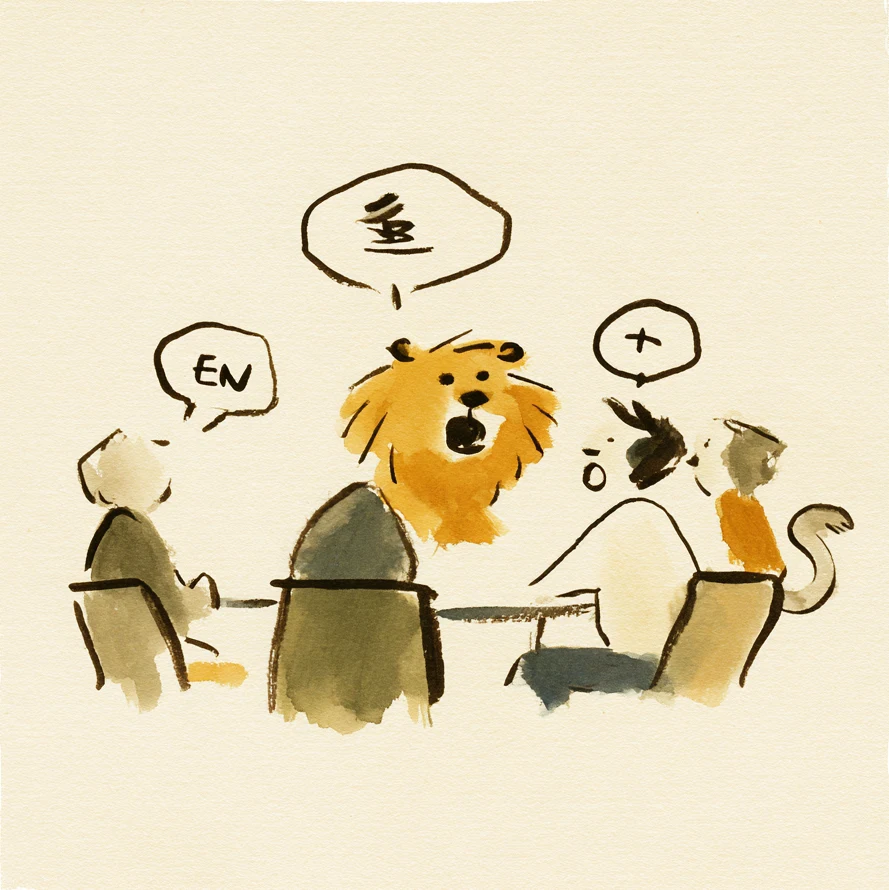
Online meetings
Follow different accents and languages, then keep the decisions.
- Capture meeting audio from your computer
- Turn the transcript into summaries and actions
02LEARN

Classes and videos
Turn browser audio into your own live captions.
- No waiting for the video to add captions
- Follow foreign-language lessons as they play
03TALK
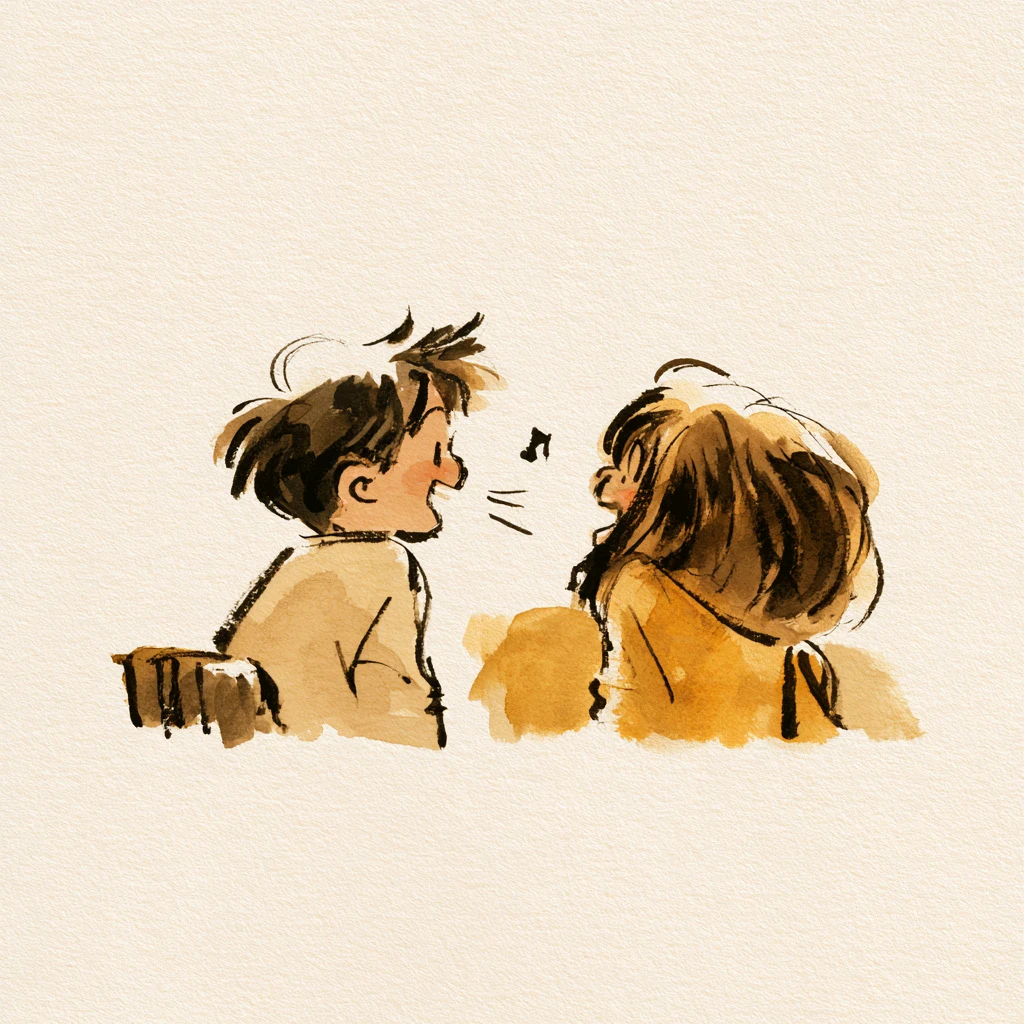
Cross-language calls
Take turns across two languages, in captions or voice.
- Switch between simultaneous and consecutive modes
- Use headphones like an interpreter beside you
04SHARE
Talks and events
When others need it, share a room code or QR code.
- Viewers join without an app or account
- Everyone chooses their own caption language

Um, sea otters wrap themselves in kelp when they rest.
The kelp works like an anchor and helps keep them from drifting away.
AI SUMMARY · NATURE NOTEResting sea otters use kelp as an anchor in ocean currents.
04 / AFTER THE ROOM ENDS
After the meeting, stop rebuilding it from memory.
Live captions become a transcript, with AI-organized titles, summaries, actions, and decisions. Meetings, interviews, or classes you already recorded can be uploaded afterward too.
LIVE IN THREE STEPS
From hearing it to keeping it, in three steps.
No event to organize and no complicated setup. Open Oralion and let it work alongside whatever you are listening to.
-
01 SOURCE
Bring the sound into Oralion
Listen through your microphone, or capture a browser tab or meeting audio from your computer.
-
02 UNDERSTAND
Read captions or listen to interpretation
Choose a language you understand and captions follow immediately; turn on spoken interpretation when you need it.
-
03 KEEP
Finish with the important parts ready
Your transcript becomes a summary, actions, and decisions—without rebuilding the conversation from memory.
GOOD TO KNOW
Before you start, you may be wondering.
Do I need to organize a room just to use it myself?
No. Keep captions and interpretation private on your own screen; share a room or link only when you want others to join.
Are the captions private?
Room data is end-to-end encrypted between speaker and viewer browsers; the server only relays encrypted content.
Can I try it free first?
Yes. Try 30 minutes without signing in. A free account then includes 5 hours of live captions each month, with subscriptions and credits available when you need more.
FOR THE NEXT CONVERSATION THAT MATTERS
Stop listening and guessing at the same time.
Try 30 minutes without an account; free accounts get 5 hours each month. Understand it for yourself first, then share when needed.